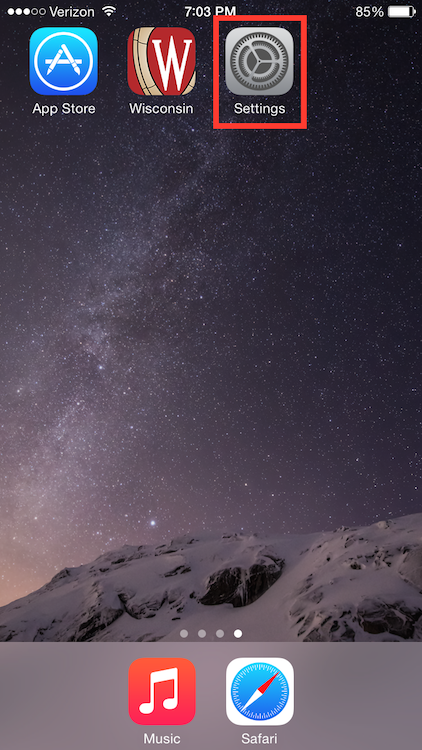
1) Locate and select the Settings app.
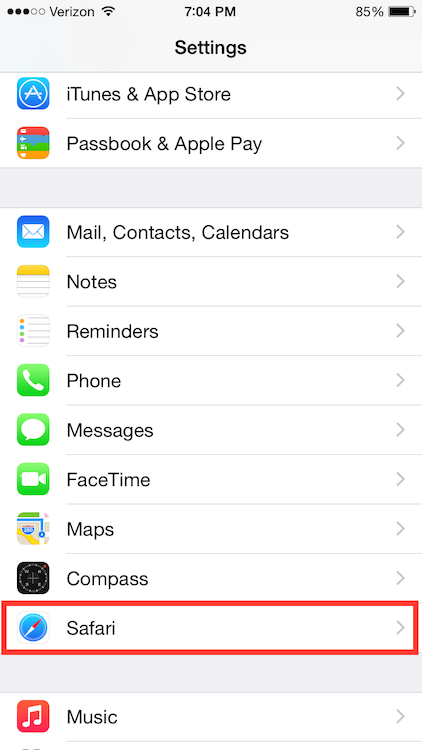
2) On the Settings screen, scroll down and tap the Safari option.
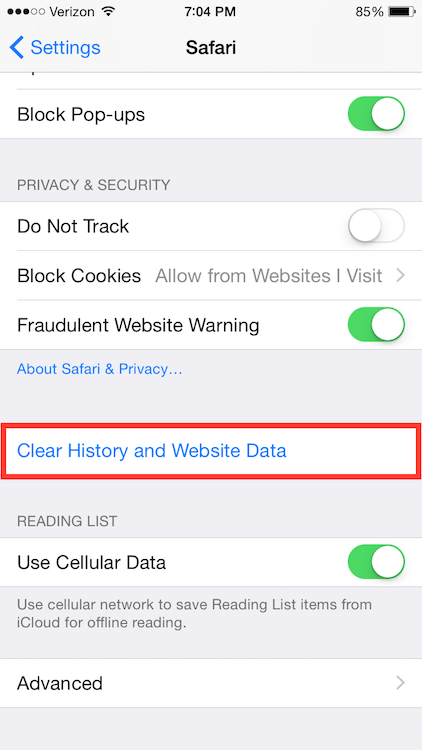
3) Under the 'Privacy & Security' header, select the Clear History and Website Data option.
4) On the confirmation screen, tap Clear History and Data.
